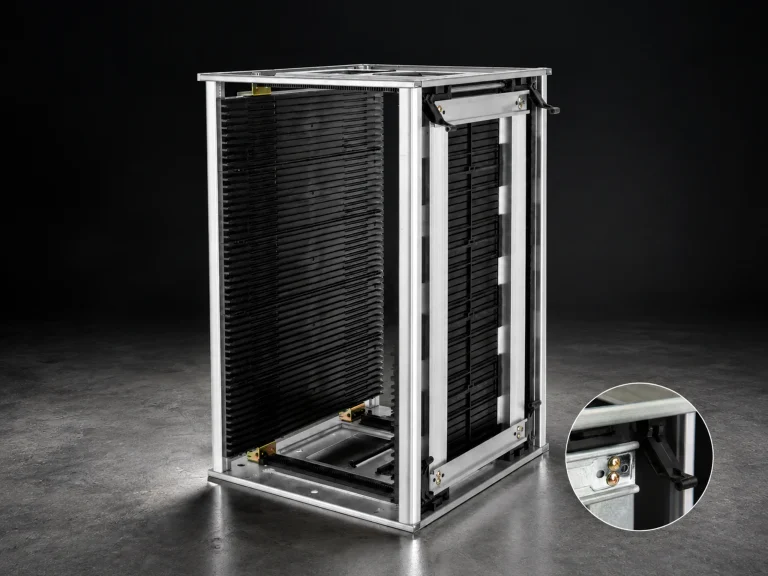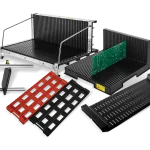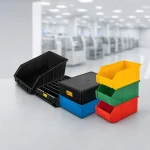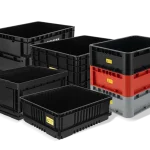


ESD component drawer box systems help organize small electronic parts when the storage plan is built around the part envelope, access motion, labels, separation rule, replenishment path, and ESD evidence. The drawer or box should make the correct part easy to identify and retrieve without turning the container into an uncontrolled mix of lots, revisions, or loose pieces.
Begin with the storage task, not the container name. Define what the position holds, how many parts are present, how often they are retrieved, where the position sits, and how the material moves to the next workstation. Then select the drawer, divider, lid, or outer box that supports that task and verify the loaded configuration.
1. Define the ESD component drawer box task
Record the largest package or component envelope, whether parts are loose, bagged, boxed, or nested, and whether leads, connectors, or surfaces must remain protected. Note the retrieval motion: one-hand pick, tool-assisted pick, front access, top access, or pull-out drawer. A position that fits the part but blocks the operator’s fingers can create more handling risk than a slightly larger position.
Decide how identity is preserved. Each position may need a part number, revision, lot, quantity, or replenishment mark. Keep visually similar parts apart and define what happens to a partial quantity, a returned part, or a part with unclear identity. A drawer layout is a process control, so the label method and return rule belong in the initial specification.
| Planning input | Storage choice | Approval check |
|---|---|---|
| Part envelope and package state | Drawer, box, divider, or grid opening | Largest approved item fits without pinching or hiding features |
| Retrieval frequency and direction | Front, top, pull-out, or enclosed access | Operator can reach the part without crossing another position |
| Lot and revision control | Dedicated position, divider, label, or separate container | Mixed identity is visible and returned parts have a defined quarantine path |
| Replenishment method | Count mark, barcode, card, or digital transaction | Shortage and wrong-part conditions are visible before release |
| Movement route | Lid, turnover box, tray, cart, or hand-carry method | Loaded configuration stays stable and readable during handoff |
2. Match the drawer and divider to the organization rule
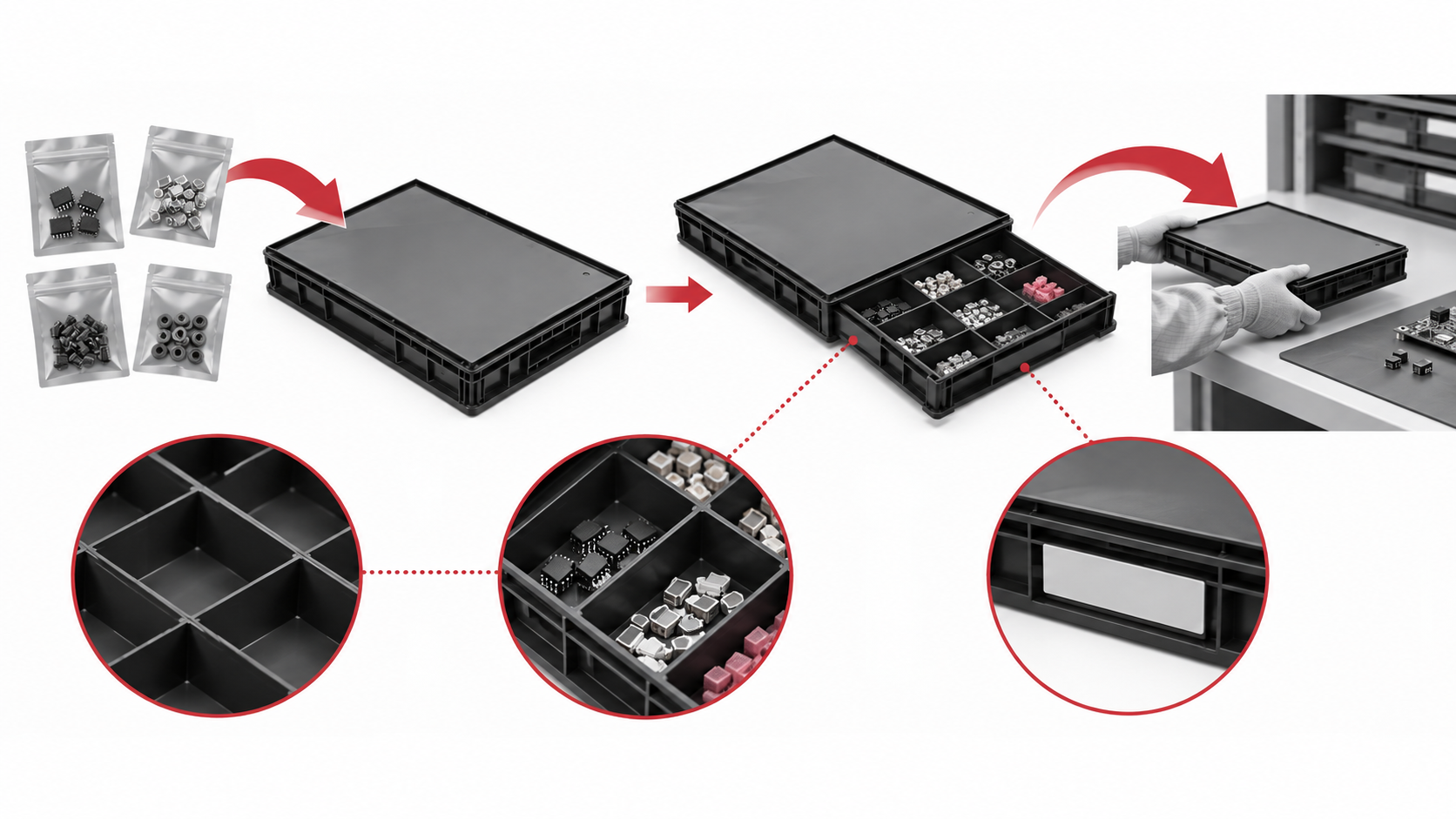
The CH-ESD lidded ESD box page lists model-specific dimensions, wall and bottom details, and a lid or box format. The ESD turnover box page presents another named family with its own dimensions and organization use. These pages are separate CH-ESD candidate families for planning a small-parts storage configuration; they are not interchangeable names for one confirmed drawer-box model. Their values and options stay tied to the exact model.
If small parts need separate positions, compare a grid or removable divider arrangement. The CH-ESD ESD grid tray page shows a separate product family for detachable organization. Confirm that the proposed grid, divider, or drawer actually fits the selected outer box and that the loaded parts remain visible and accessible. Do not assume a divider from one family fits another.
A lid can protect a route, but it can also slow frequent access. An open position can speed picking, but it may need a defined cover or outer container for movement. Choose the access format from the operator’s normal motion and the location of the box: fixed shelf, line-side station, receiving area, cart, or repeated movement between departments.
3. Plan replenishment and protected movement
Replenishment is where many small-parts systems lose control. Set a visible minimum, define who refills the position, and separate the refill action from the operator’s pick action when the route requires it. If a drawer returns from the line, identify whether the remaining quantity is counted, resealed, quarantined, or transferred to a new position. Keep the rule simple enough to follow during a busy shift.
ESD evidence also belongs to the route. NASA-STD-8739.6B provides NASA-specific ESD-control and packaging context, while ANSI/ESD S541-2026 provides general packaging-property and test-method context. Neither source certifies a CH-ESD drawer or box. Request the material, test basis, conditions, and configuration-specific evidence for the exact product and intended use.
4. Request and approve the exact configuration
Give the supplier the part envelope, quantity, access direction, divider or lid requirement, label position, location, movement route, and expected replenishment method. Ask for the drawing, model number, revision, material, usable dimensions, organization options, and any applicable ESD evidence. If a box is proposed with a grid, divider, or lid, approve the assembled combination rather than each item in isolation.
- Load the largest approved part and the normal quantity; check finger access, visibility, separation, and label readability.
- Test the pick, refill, return, and quarantine steps with the actual operator or material handler.
- Move the loaded configuration through shelf, cart, workstation, and handoff points in the normal orientation.
- Check that the lid, divider, grid, or outer box does not create interference, hidden shortages, or mixed positions.
- Freeze the approved model combination, drawing revision, label map, handling instruction, and sample result.
Repeat the approval when the component package, part mix, quantity, divider layout, material, lid, outer container, or route changes. The right drawer box is the one that makes identity and movement predictable for the exact inventory task. Supplier confirmation and a loaded sample close the gap between a catalog option and an approved storage position.
References
- NASA-STD-8739.6B — ESD protective-packaging and handling context.
- EOS/ESD Association: ANSI/ESD S541-2026 — packaging properties across production, transport, and storage.